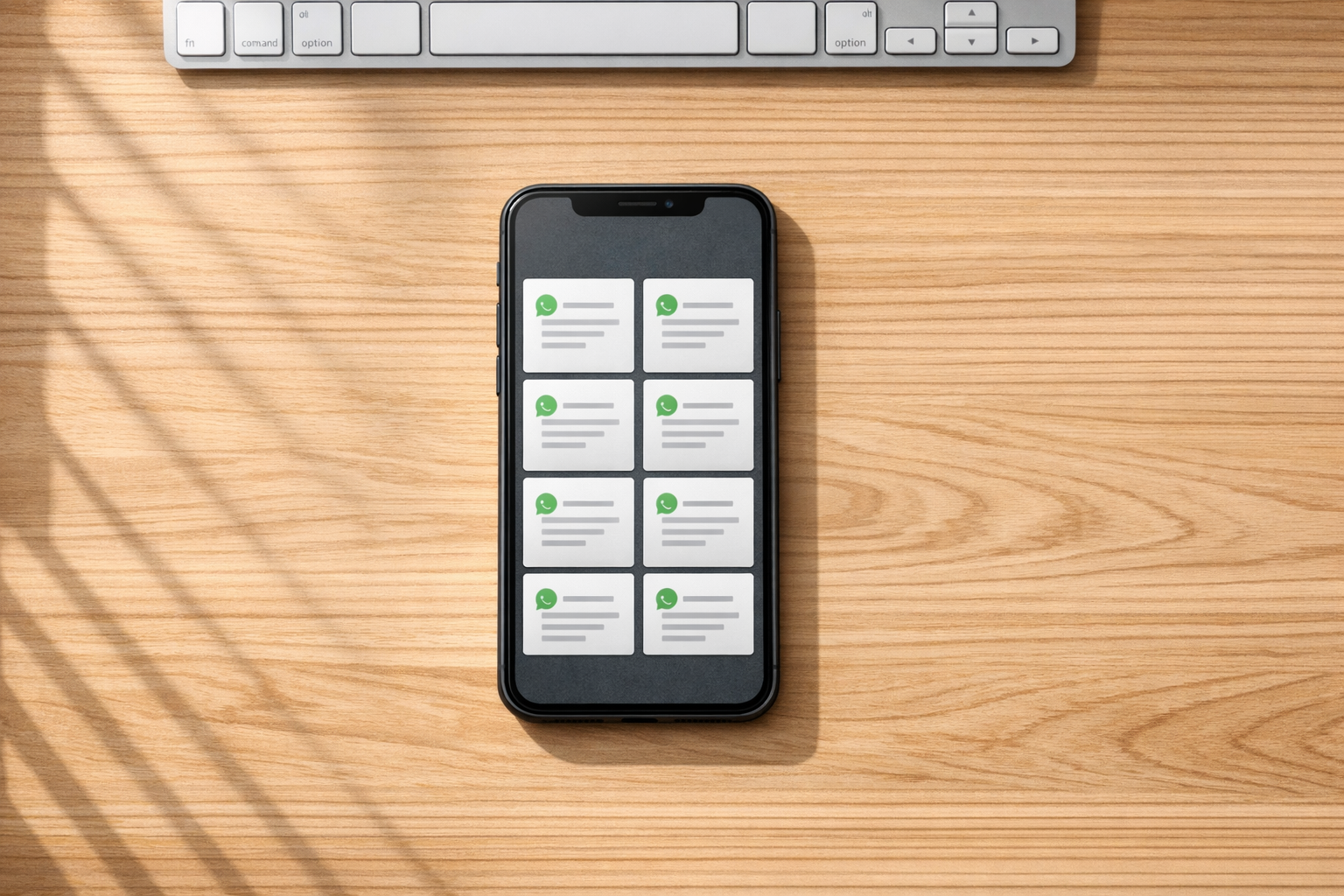
WhatsApp Marketing Template Generator
Boost Your Business with a WhatsApp Marketing Template Generator
In today’s fast-paced digital world, connecting with customers where they already hang out is key to standing out. WhatsApp, with billions of active users, has become a powerhouse for small businesses and marketers looking to send direct, personal messages. That’s where a tool to create tailored WhatsApp campaign messages comes in handy. It streamlines the process, letting you whip up engaging texts without breaking a sweat.
Why WhatsApp Messaging Matters
Unlike emails that might sit unread, WhatsApp messages often get opened almost instantly. But crafting the right words under tight character limits can be tricky. A dedicated generator for business messaging solves this by blending your brand details with a tone that resonates—be it warm and chatty or straight to the point. You input basics like your company name or a special deal, and boom, you’ve got a polished note ready to send. Pair this with a strong call-to-action, and you’re not just reaching people—you’re sparking interest. For anyone aiming to grow their audience through quick, impactful communication, this kind of tool is a game-changer that cuts through the noise.
FAQs
How does this tool help with WhatsApp marketing?
Our tool takes the stress out of writing marketing messages for WhatsApp. You just fill in a few details about your business, product, or offer, and it creates a short, punchy template that fits WhatsApp’s character limit and feels personal. It’s built to help you engage customers quickly without spending hours on wording.
Can I customize the tone of the message?
Absolutely! You can pick from three tones—Friendly, Professional, or Urgent. A friendly tone might start with 'Hey' and feel casual, while a professional one uses 'Dear' and keeps things polished. Urgent tones add a sense of now with words like 'Hurry!' Pick what suits your campaign best.
Is the generated template ready to send on WhatsApp?
Yes, it’s ready to go! The tool keeps messages under 160 characters when possible, perfect for WhatsApp’s format. Once it’s generated, you’ll see a plain text version to copy and paste directly into your chats or broadcasts. There’s even a quick note reminding you how to use it.